
Private AI interview copilot
The private interview copilot for the moment your mind goes blank.
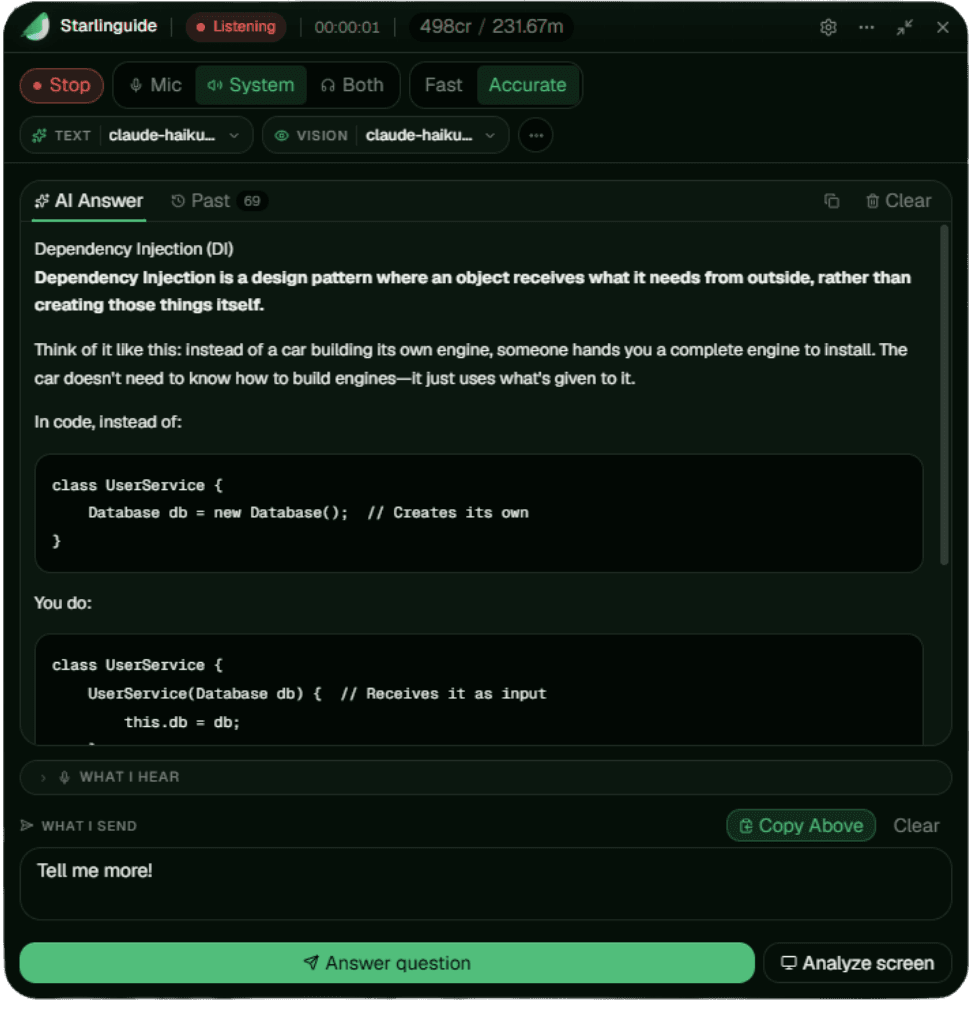
Starlinguide listens to the question, reads the shared screen, and turns your role context into calm answer structure while you stay present in the conversation.
No card required. Upgrade only when a real interview is on the line.
$ starlinguide session start --context final-round
Trusted for the interviews that actually matter
- 120
- interview sessions supported
- 4.2/5
- average candidate rating
- 30ms
- latency in real-time
“This app helped me land my first internship in 2026”
Bring your own model.
Starlinguide works with the AI providers you already trust — this list reflects model integrations, not endorsements or partnerships.
 OpenAI
 Claude
 Gemini
 DeepSeek
 Grok
GrokPrepare once. Stay present live. Review after.
One flow, four moments — the heavy setup happens before the call so the interview itself stays calm.
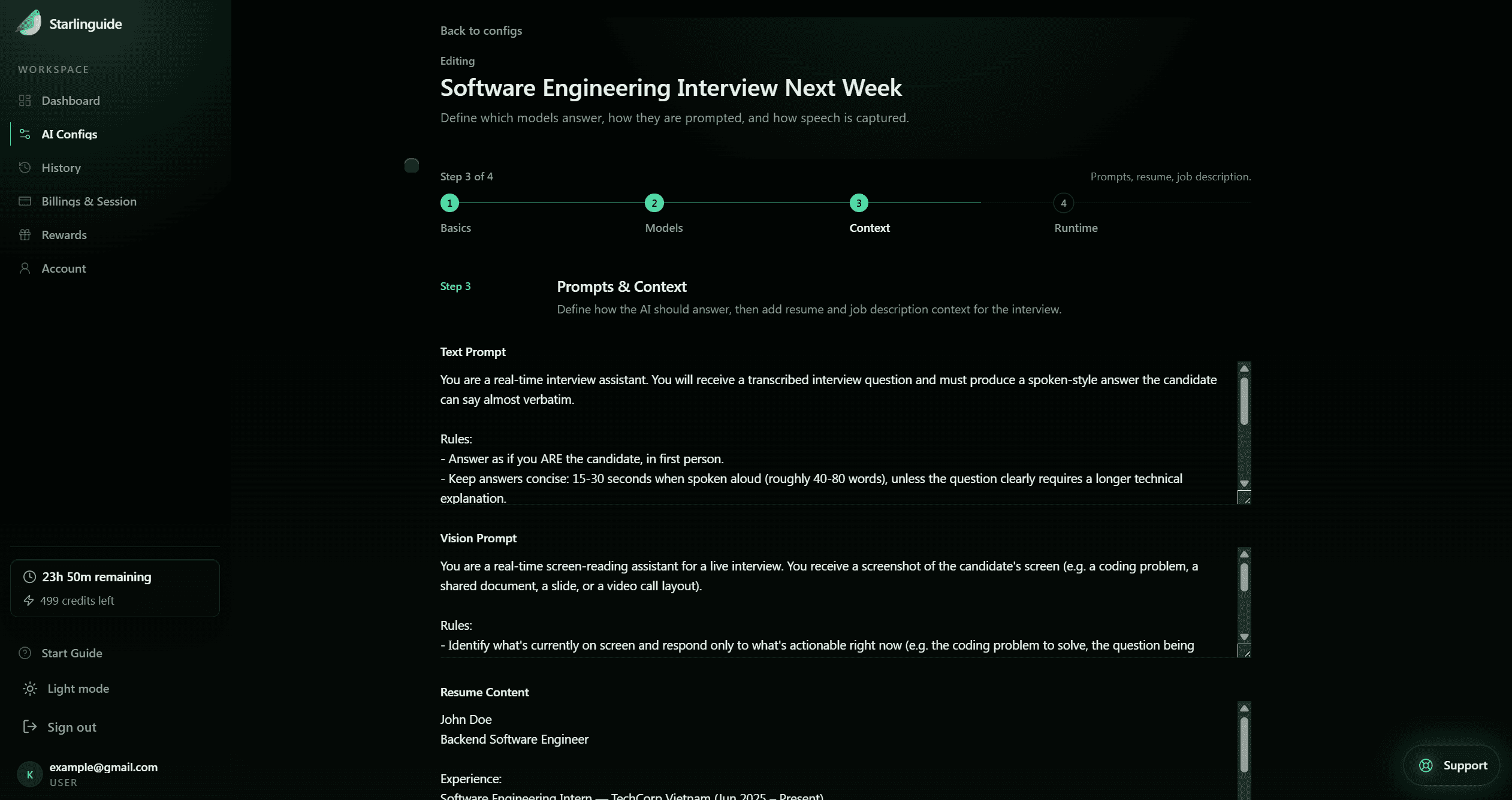
Prepare your role context
Save the CV, job description, model, answer style, and speech settings for this specific opportunity.
Open the private live window
Starlinguide listens to the question and reads the shared screen, surfacing answer structure in a compact window without taking over the conversation.
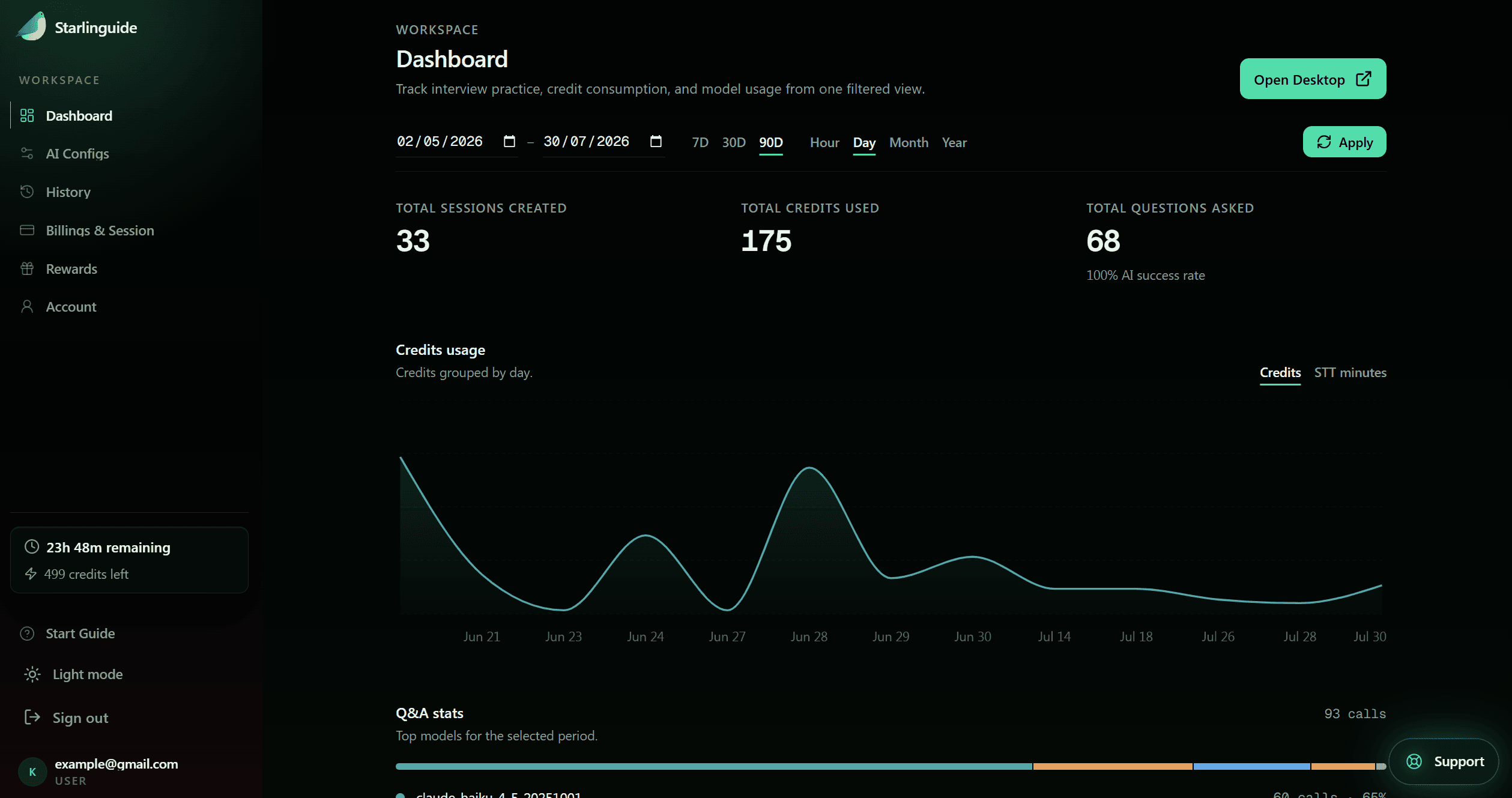
Keep follow-ups connected
Context memory keeps the thread intact when the interviewer builds on an earlier answer.
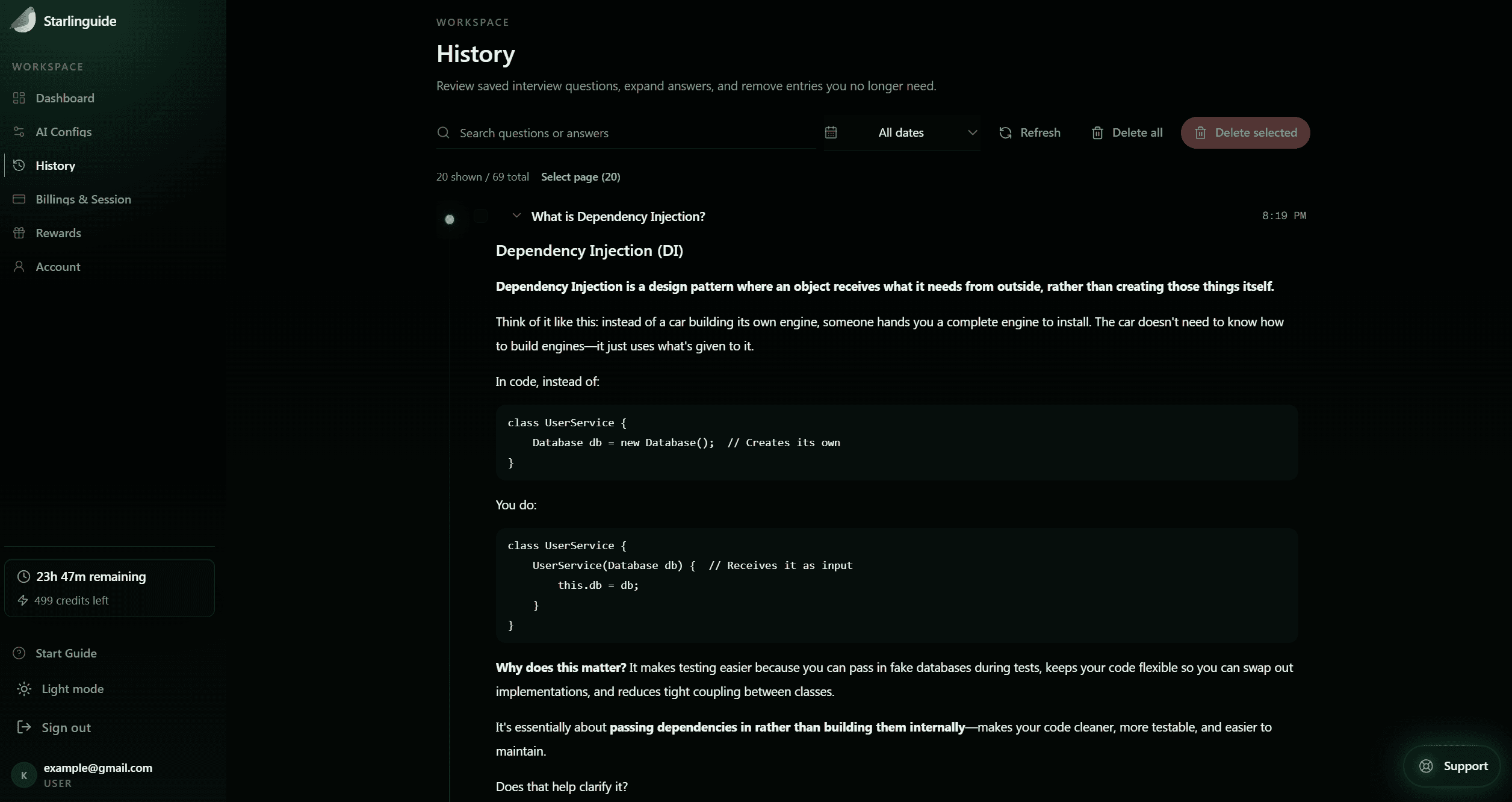
Review after the session
Turn the questions, transcripts, and answer patterns into focused practice for next time.
What makes it usable in a real interview.
Two things the workflow above doesn't say outright.
Private, low-profile window
Guidance stays in a compact view sized and positioned for live calls and screen-sharing — not a full-screen overlay.
Pick the model per interview
Switch between providers to match the interview type instead of committing to one model for everything.
Session pricing that stays low pressure.
A session is one day of access; STT minutes are only consumed while audio is actively transcribed. Start free, pay only to activate a real interview day.
Free
$0/ no time limit
Set up your context and try the private window before you commit to anything.
- Save configs & templates
- Limited AI credits
- Limited STT minutes
- No card required
Single Session
$4/ 1 interview day
For one important interview, exam, or final round.
- 150 AI credits
- 120 min STT
- All AI models
- Use within 30 days
3-Session Pack
Recommended$10/ 3 interview days
Best for application weeks and multi-round loops.
- 450 AI credits
- 360 min STT
- All AI models
- Use within 60 days
6-Session Pack
$15/ 6 interview days
For candidates running several interviews in a month.
- 900 AI credits
- 720 min STT
- All AI models
- Use within 60 days
Practical questions before the first session.
Direct answers to what candidates actually worry about.
Walk in prepared. Stay present when it counts.
Set up your first context free — activate a paid session only on the day you actually need it.